AgeCalc
Precise Age Calculator
Enter Your Birth Date
Calculate your exact age instantly
AgeCalc User Guide: Complete Instructions for the Professional Age Calculator
Welcome to AgeCalc
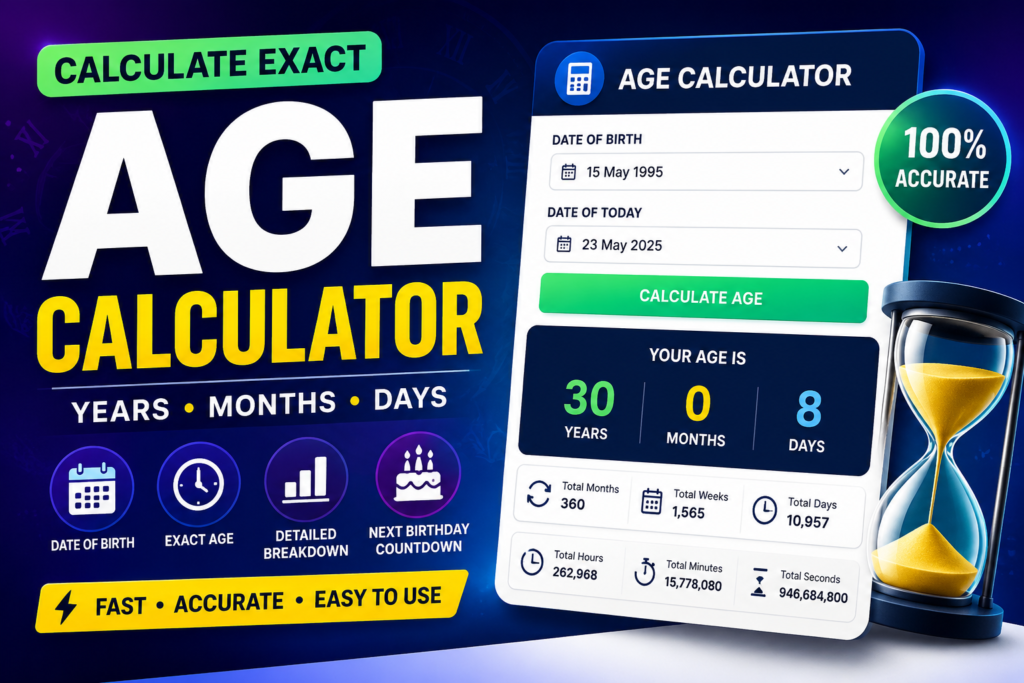
AgeCalc is a simple yet powerful, professional-grade age calculator. It instantly tells you your exact age in years, months, and days, plus helpful extra details like days until your next birthday and total days lived.
This guide explains everything in clear, easy-to-understand language so anyone can use it without confusion.
How to Get Started
- Save the Tool Copy the full HTML code I provided earlier. Paste it into a new file and save it as age-calculator.html on your computer.
- Open the Tool Double-click the saved file. It will open in your web browser. No installation or internet is required.
Step-by-Step: How to Calculate Age
Step 1: Enter Your Birth Date
- Look for the box labeled "Date of Birth".
- Click on it and select your birth date from the calendar that appears.
- Or type the date directly (example: 1998-03-22 for 22nd March 1998).
Step 2: Click the Calculate Button
- Press the big blue button "CALCULATE AGE".
- Your results will appear immediately below.
Step 3: View Your Results You will see:
- Your Age in Big Numbers: Example: "31 years"
- Breakdown:
- Years completed
- Months
- Days
- Next Birthday: How many days until you turn older + the exact date
- Total Days Lived: Complete count of days since birth
- Born On: The day of the week you were born (e.g., Friday)
Main Features
- Very Accurate: Handles leap years and different month lengths correctly.
- Fast: Results appear in less than a second.
- Professional Look: Clean design suitable for personal or office use.
- Mobile Friendly: Works perfectly on phones and tablets.
- Extra Information: Goes beyond basic age calculation.
- Offline: Works without internet after you open the file.
- Easy Reset: One click to calculate a new age.
Useful Tips
- Always use your real birth date for correct results.
- You can calculate age for anyone — yourself, family members, friends, or even babies.
- For babies and small children, you will see “0 years” with months and days — this is normal.
- The tool prevents you from choosing future dates.
- To calculate another person’s age, just click “Calculate Another Age” and enter the new date.
Example Calculations
Example 1: Adult Birth Date: 15 May 1992 Today: July 2026 Result: 34 years, 2 months, 6 days Next Birthday in: 10 months Total Days Lived: ~12,500 days
Example 2: Child Birth Date: 10 January 2024 Today: July 2026 Result: 2 years, 6 months, 11 days
Example 3: Newborn Birth Date: 5 July 2026 Today: 21 July 2026 Result: 0 years, 0 months, 16 days
Frequently Asked Questions
Q: Is my personal data safe? A: Yes. Everything happens only in your browser. No data is saved or sent to any server.
Q: Why are some numbers shown as “00”? A: It is just for neat formatting. “05 months” looks cleaner than “5 months”.
Q: Can I use it for official documents? A: Yes. The calculation is precise and reliable for most purposes.
Q: Does it work on my phone? A: Yes. Open the HTML file in your phone’s browser.
Q: How do I change the date? A: Click the reset button and choose a new birth date.
Q: What if I enter the wrong date? A: Just click “Calculate Another Age” and fix it.
Best Practices
- Bookmark the file for quick access.
- Keep the HTML file in an easy-to-find folder.
- You can share the file with friends and family.
- For fun, calculate the age difference between two people by using the tool twice.
Summary
AgeCalc is designed to be:
- Easy to use
- Highly accurate
- Professional looking
- Packed with useful information
You don’t need to be tech-savvy to use it. Just open the file, pick a date, and click one button.